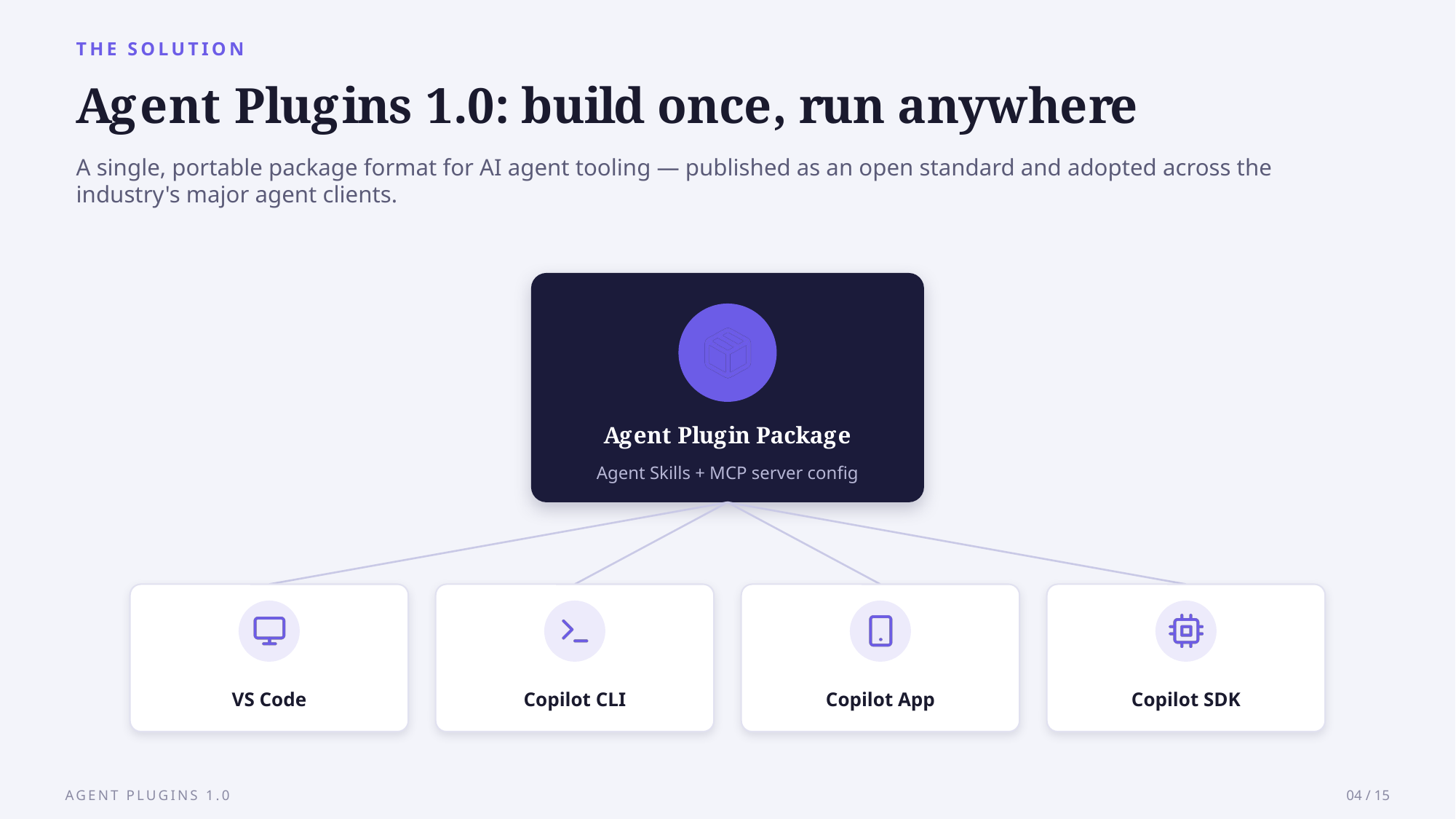
Every coding agent has grown its own plugin format, and until this month, packaging a tool for Copilot, Cursor, and ChatGPT meant writing the same integration three times over. Agent Plugins 1.0 changes that: one directory installs across every client that implements the spec.
Key Takeaways
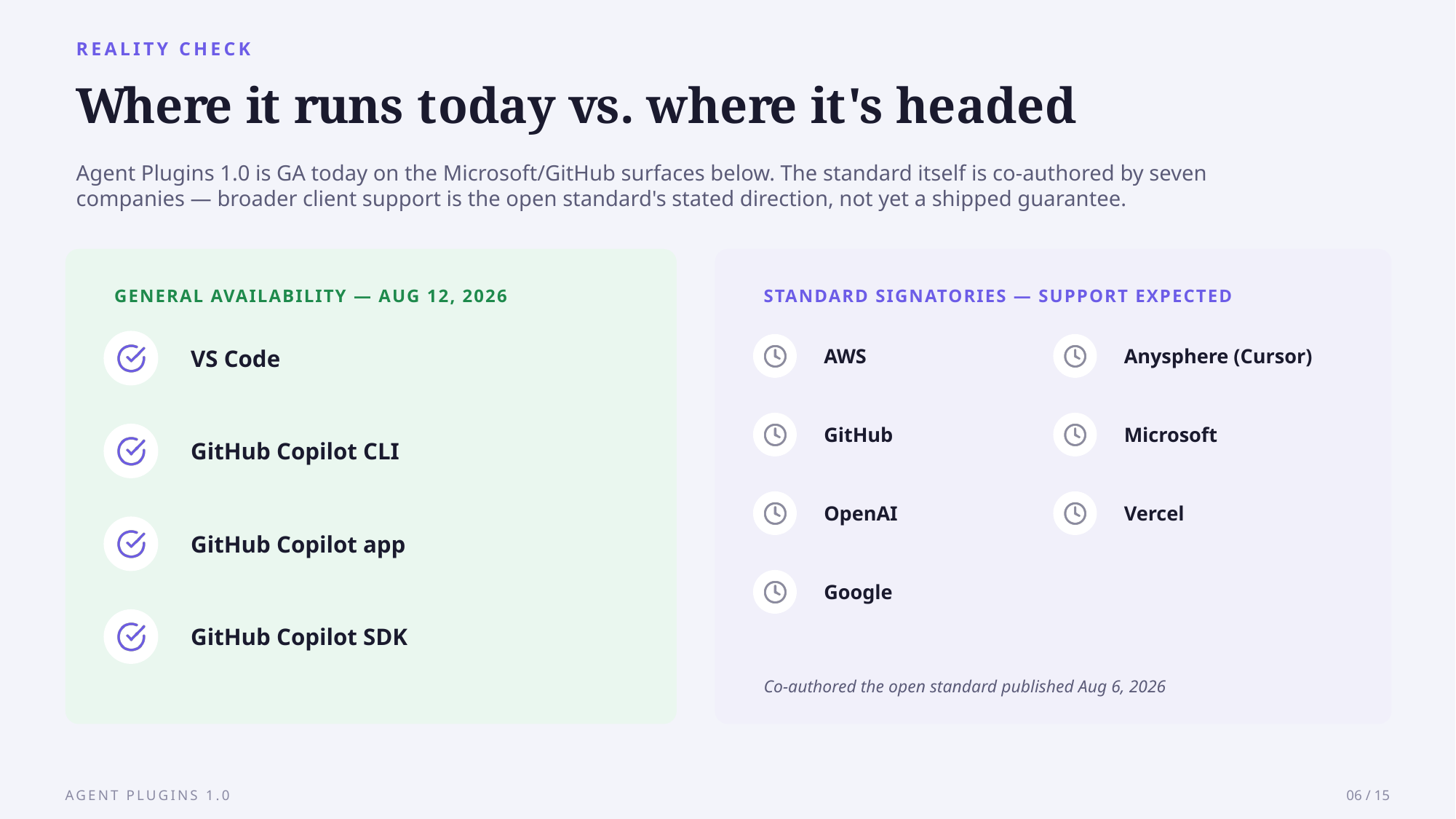
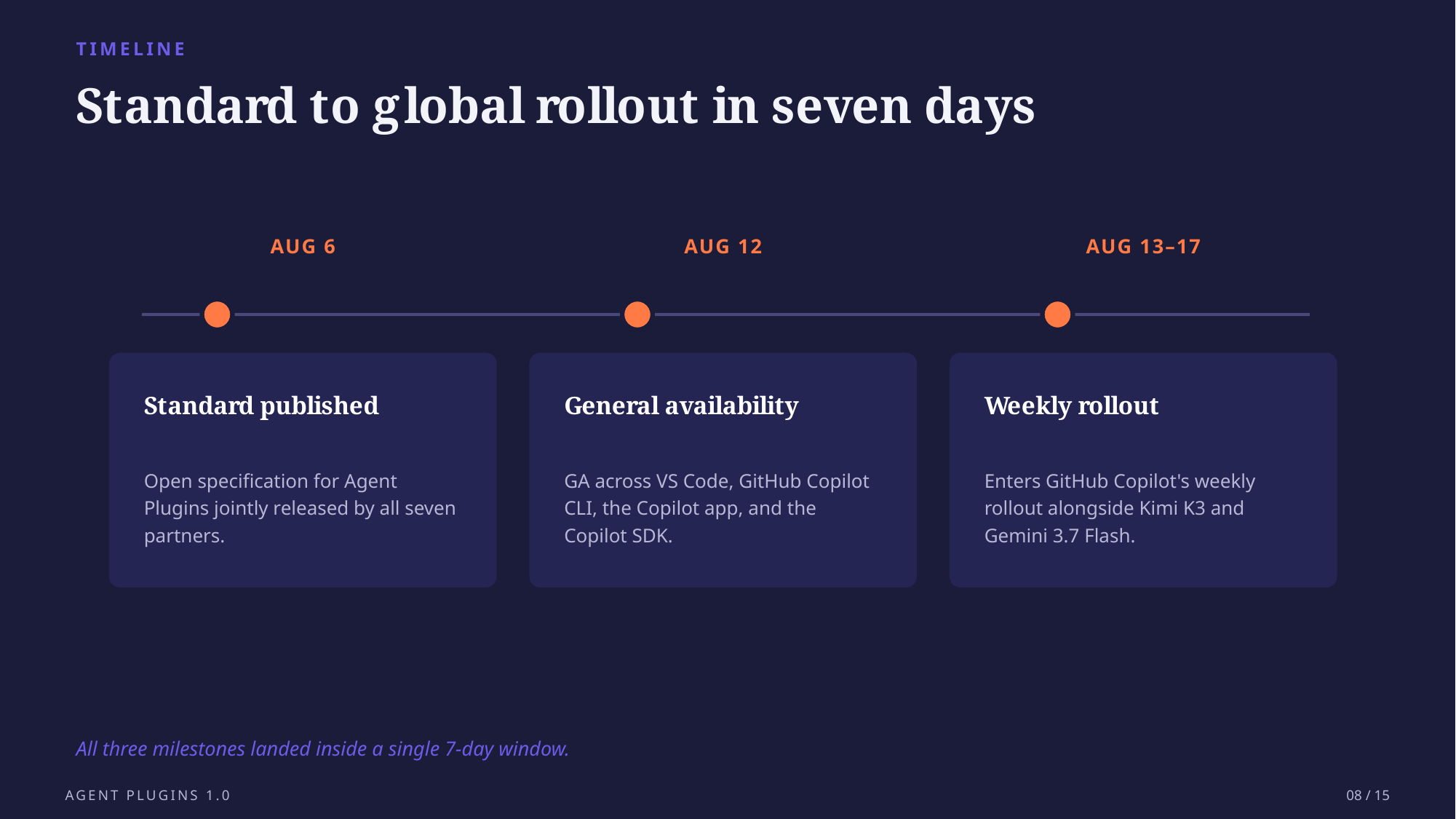
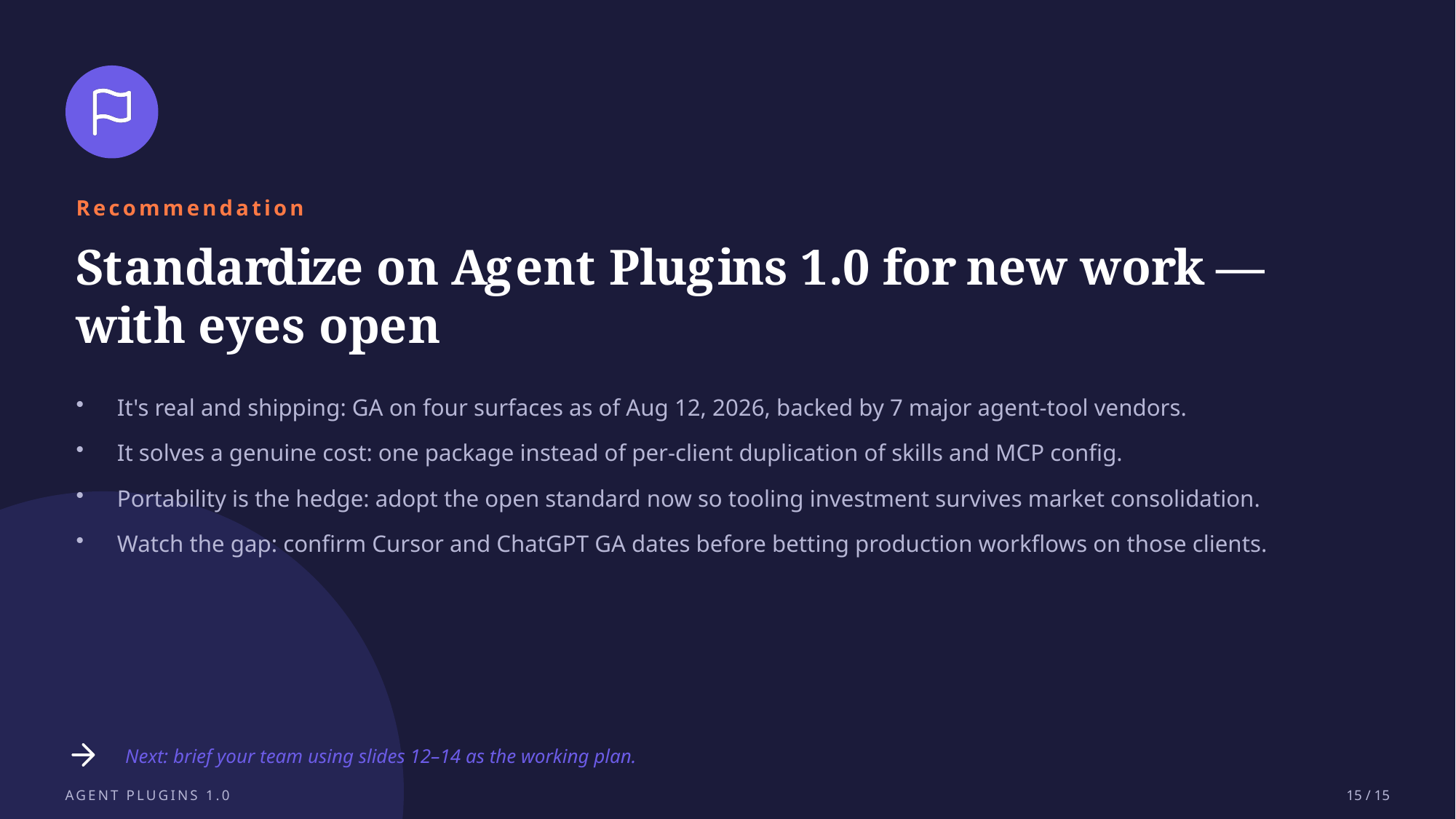
- Agent Plugins 1.0 published August 6, 2026, and reached general availability in VS Code, Copilot CLI, the Copilot app, and the Copilot SDK on August 12.
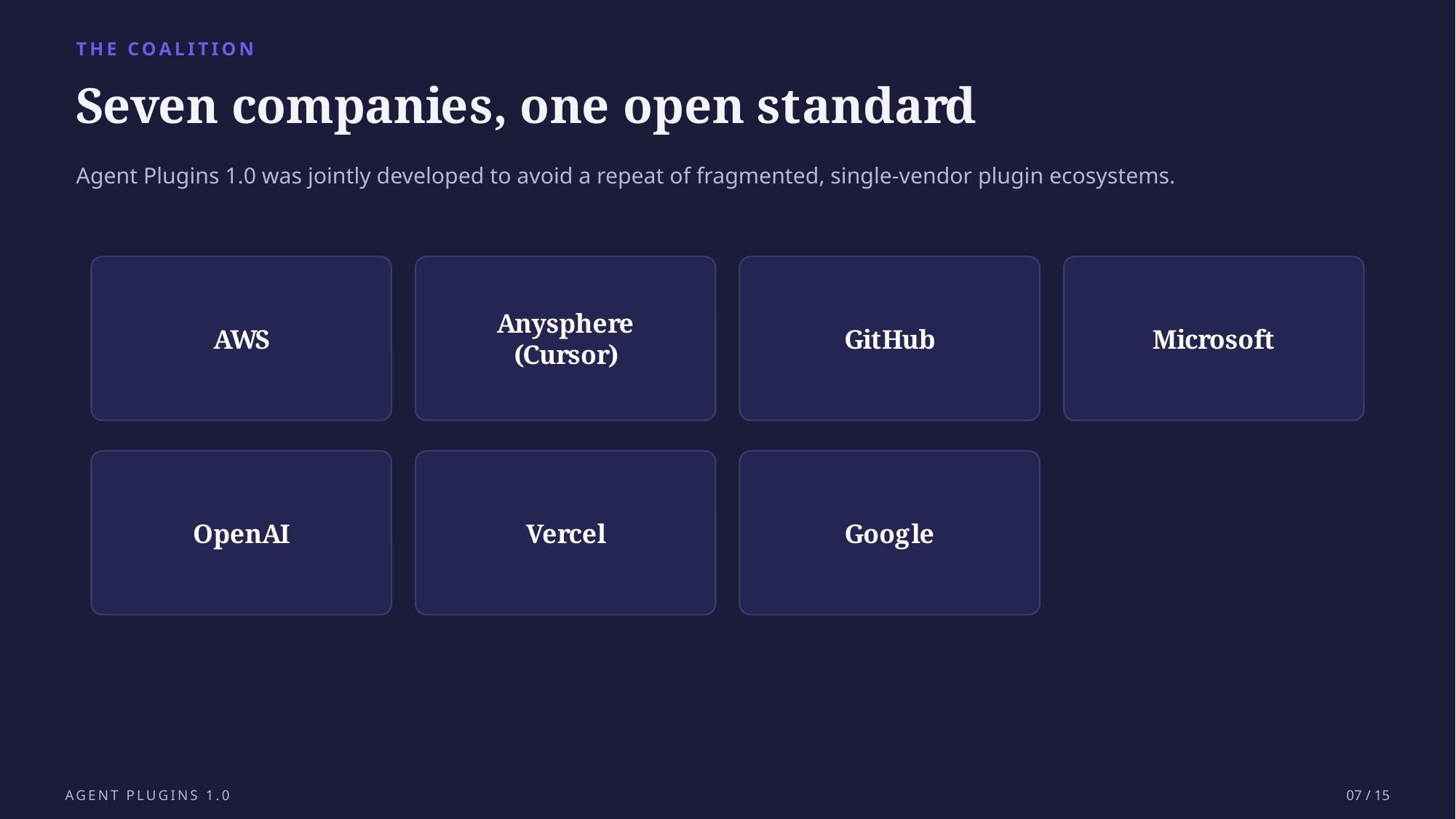
- Six companies, AWS, Anysphere (Cursor), GitHub, Microsoft, OpenAI, and Vercel, refined the spec; Google joined as a core maintainer the same week.
- A plugin is a folder:
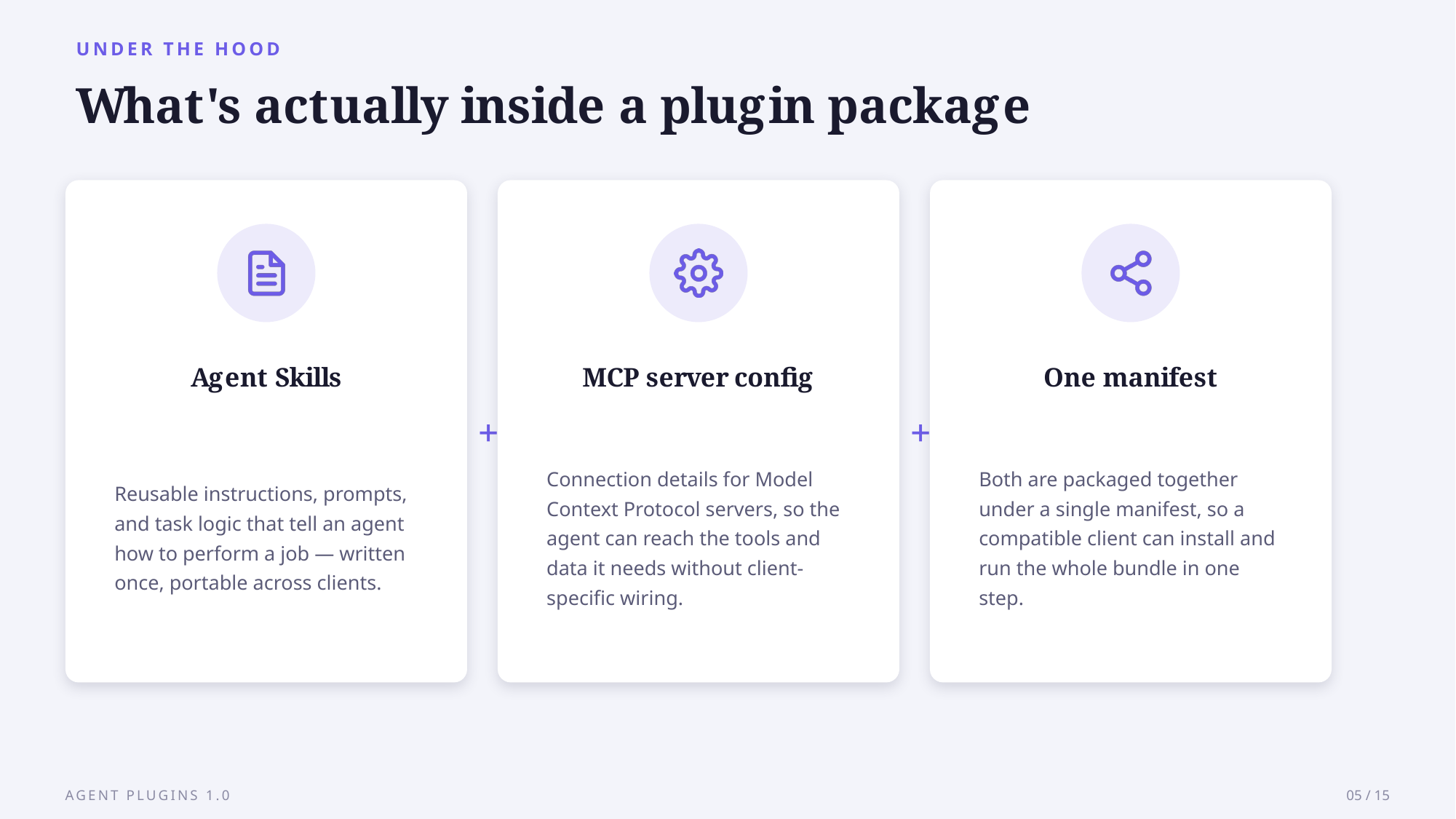
plugin.json, askills/directory, andmcp.json, plus one client-specific folder each tool ignores from the others. - Anthropic, whose SKILL.md format and MCP protocol the standard packages, is not on the governing committee.
The slides embedded below walk through the same packaging model visually, a ready-made deck built from a short brief using AskDeck. Back to the standard itself.
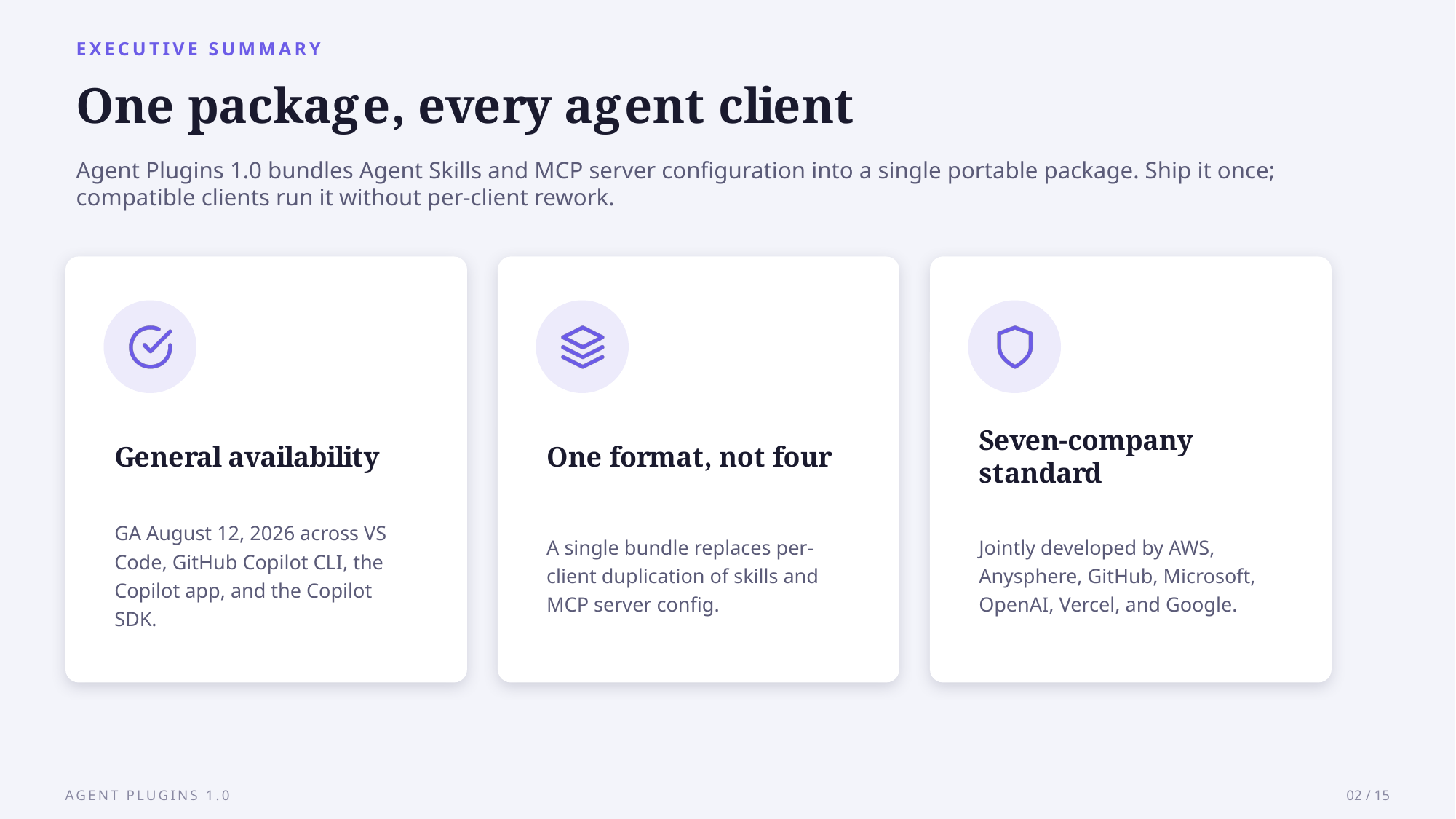
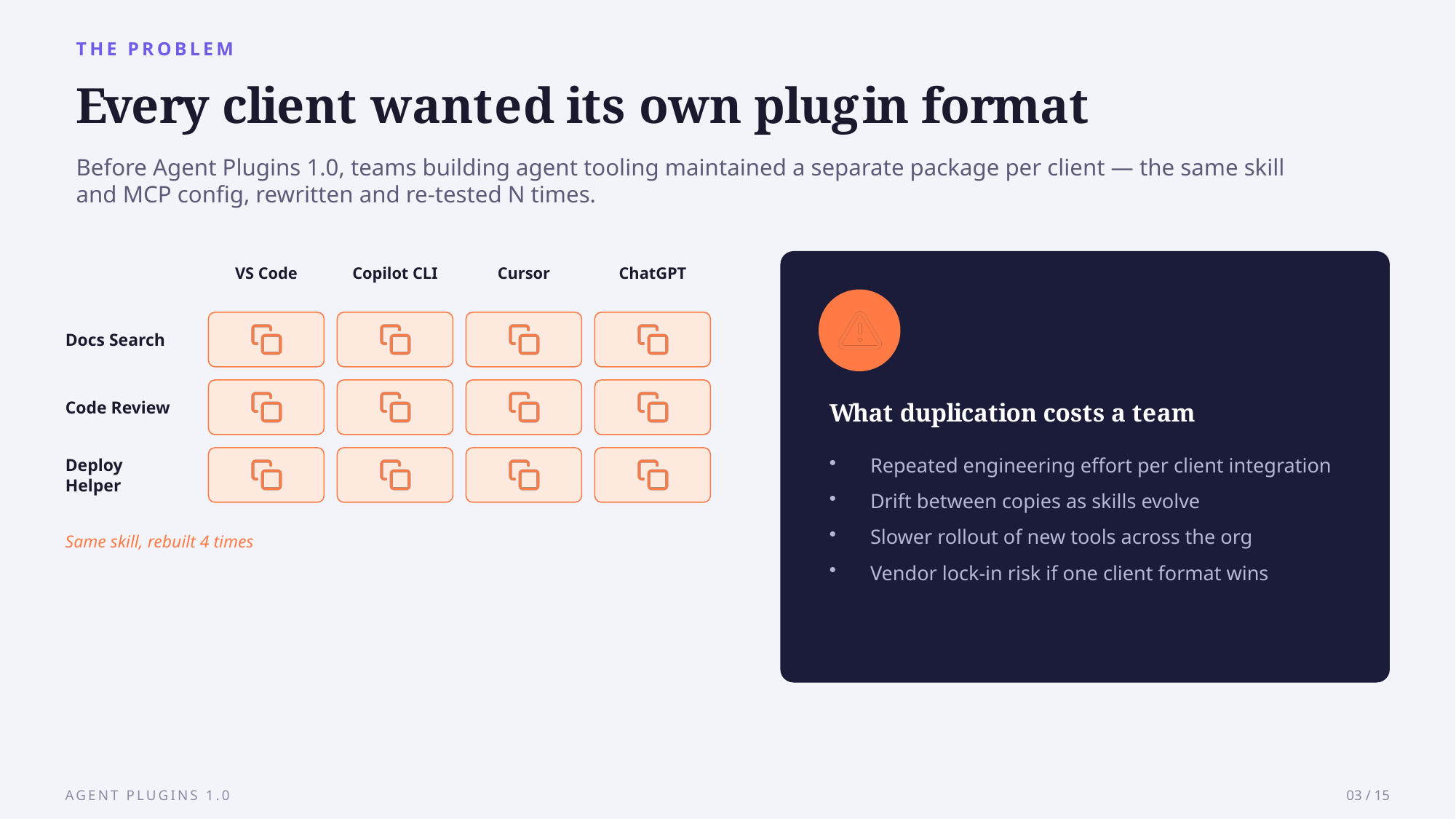
Swipe or scroll sideways to flip through the 15-slide deck →
What Is Agent Plugins 1.0, and What Problem Does It Solve?
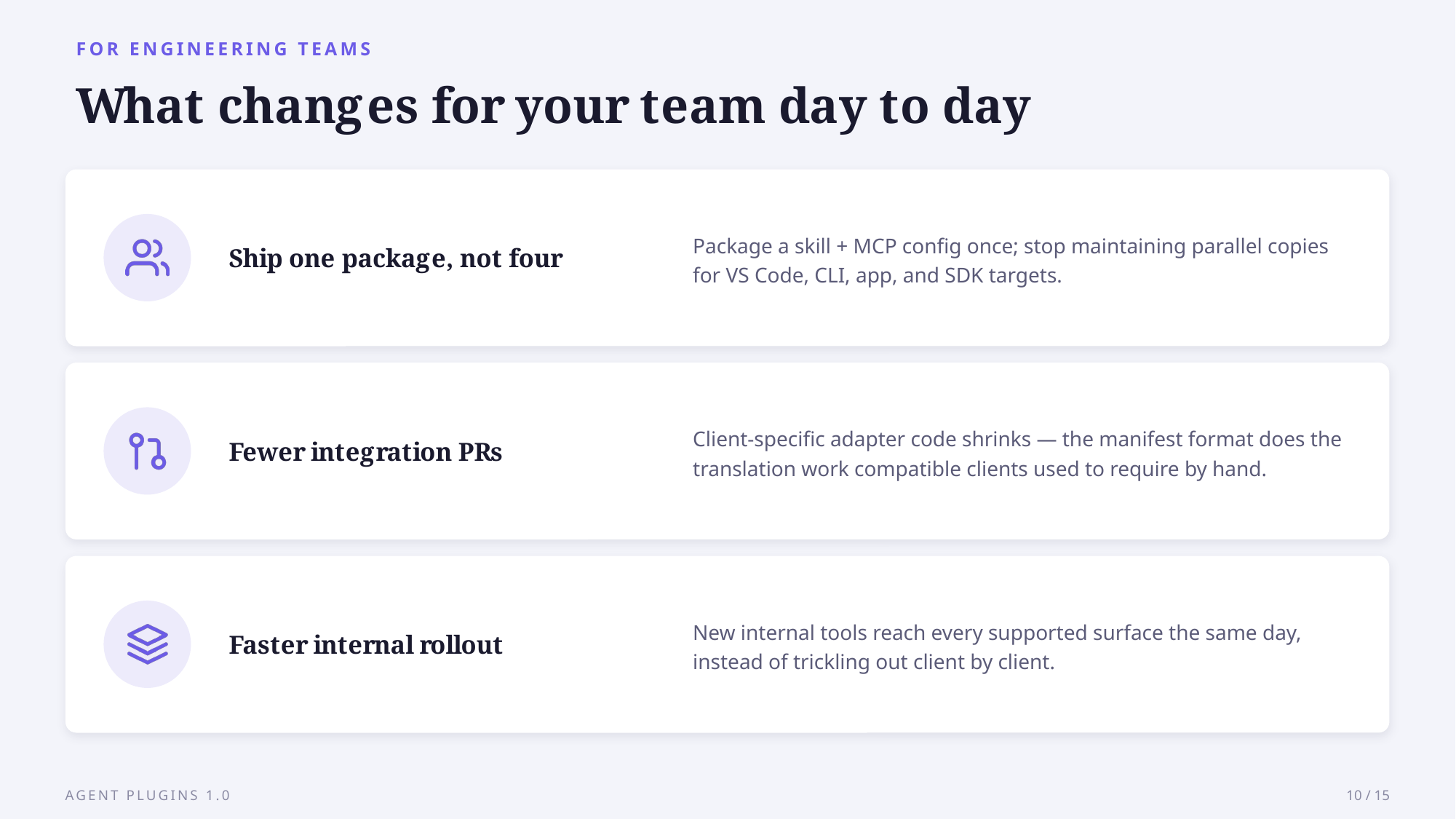
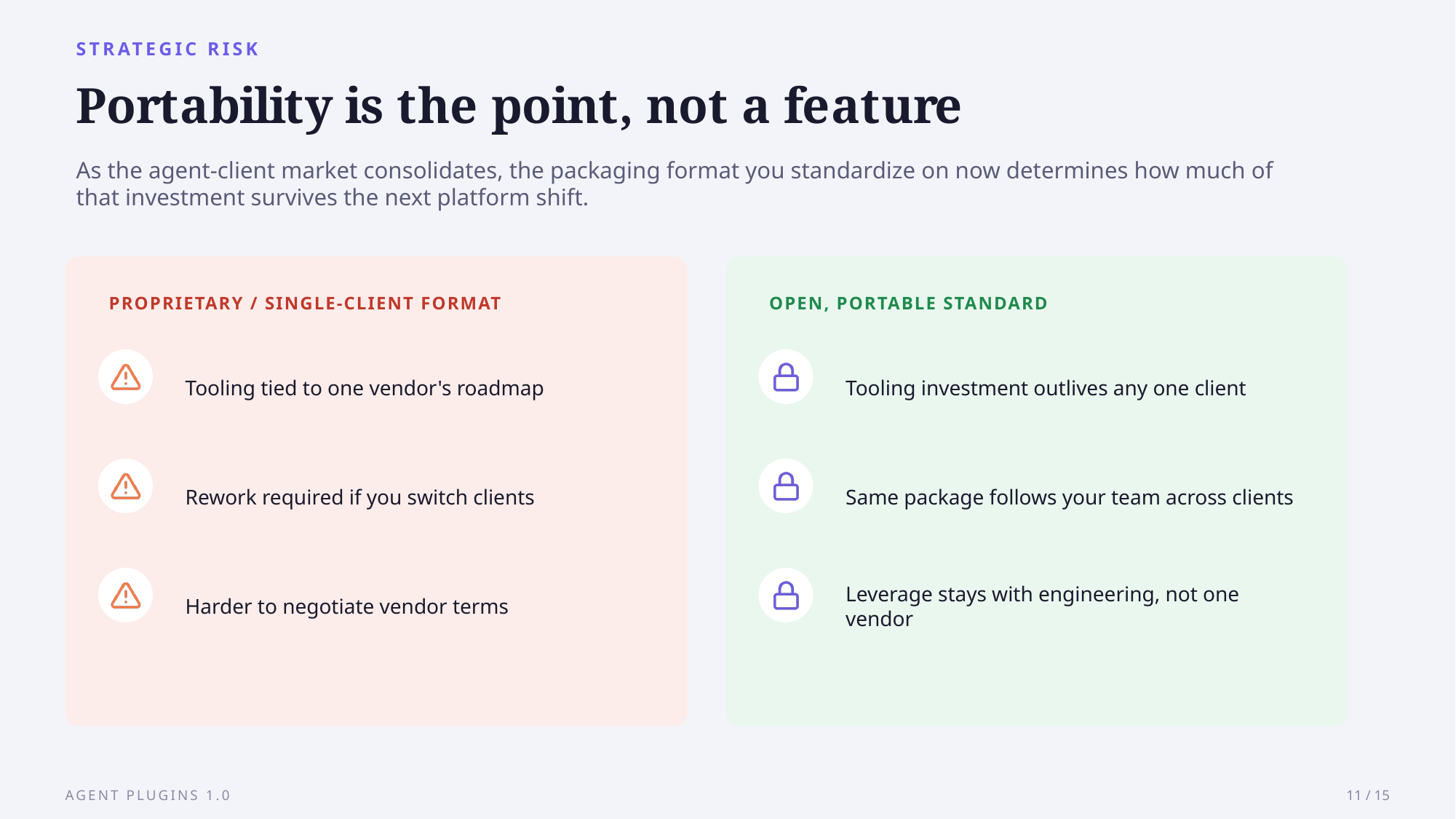
Agent Plugins 1.0 is an open, vendor-neutral format that bundles Agent Skills and MCP server configurations into one directory multiple AI coding tools can read. Before it, <cite index=“1-5,1-6,1-7”>publishing a plugin for several agents was already possible, but it cost you duplication: a plugin could bundle a skill with an MCP server, and while the underlying skill and server were the same for every client, the packaging around them wasn’t, so you maintained a separate manifest and layout for each one</cite>.
Vercel, which wrote the proposal, frames it the same way: <cite index=“3-3”>even though the underlying Skill or MCP server is identical, clients often expect different top-level metadata, discovery paths, or MCP configuration</cite>. The standard does not replace either piece; it wraps them, <cite index=“2-4”>bundling Agent Skills, packaged instruction sets, with MCP server configurations that give an agent live tools, resources, and prompts</cite>.
Who Built the Standard, and Who’s Missing?
Six companies share governance, but one name is absent. <cite index=“3-1”>Vercel initiated the proposal, which representatives from AWS, Anysphere, GitHub, Microsoft, OpenAI, and Vercel refined collaboratively into Agent Plugins 1.0.0</cite>, and <cite index=“1-3”>Google joined as a core maintainer on the same day</cite>. <cite index=“3-1,3-2”>The Technical Steering Committee holds core maintainers from AWS, Cursor, Microsoft, OpenAI, and Vercel, with decisions public, so no single company’s roadmap sets the format’s direction</cite>.
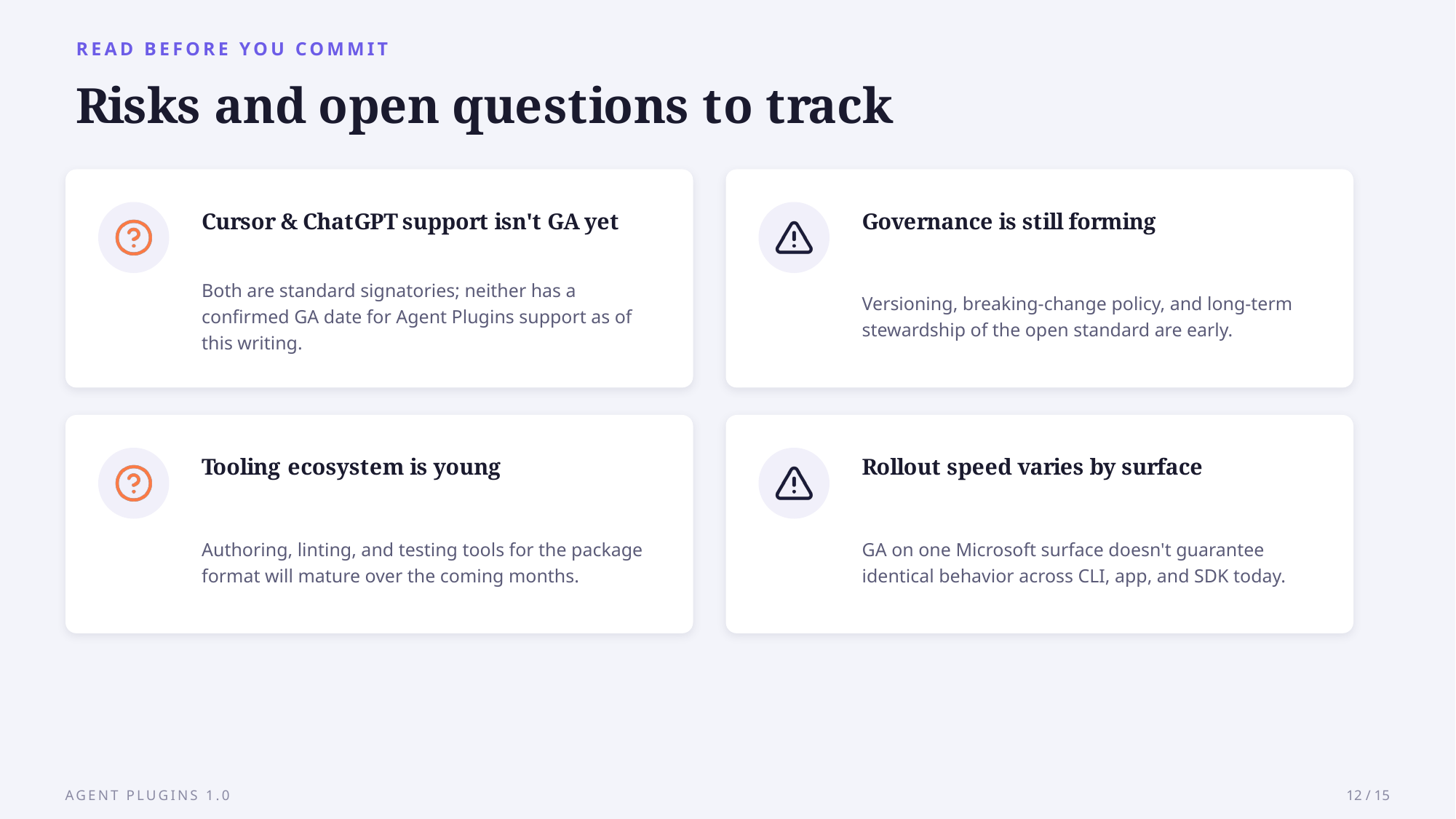
Anthropic is the gap. <cite index=“9-2”>Anthropic, whose SKILL.md format powers the skills half of every plugin, is not on the list</cite>, and <cite index=“9-3”>the plugins CLI translates the portable format into Claude’s own plugin system rather than having Claude Code natively parse it</cite>. Not everyone is sold on the substance: developer Dax Raad <cite index=“5-2”>called it “a thin standard” and argued the genuinely useful parts will drift back into each platform’s own extensions anyway</cite>.
How Does a Plugin Package Skills and MCP Servers?
A plugin is a plain directory, not a runtime. <cite index=“11-3”>plugin.json identifies the plugin and its spec version, skills/ holds Agent Skills with SKILL.md plus optional scripts and references, and mcp.json describes MCP servers over stdio, Streamable HTTP, or legacy transports</cite>. The manifest is sparse: <cite index=“9-3”>it requires exactly two fields, $schema and name, and unknown top-level fields are rejected outright</cite>.
A namespaced folder keeps clients from flattening into sameness. <cite index=“1-18,1-19,1-20”>Moving Copilot-specific files into a com.github.copilot/ directory, which other clients ignore, keeps a plugin portable without giving anything up, since the spec standardizes only skills and MCP servers and leaves everything else in that namespaced directory</cite>. AWS frames it similarly: <cite index=“4-5”>how clients install, surface, or distribute plugins stays outside the spec, so clients can differentiate while sharing a common format underneath</cite>.
Which Agent Clients Support It Today?
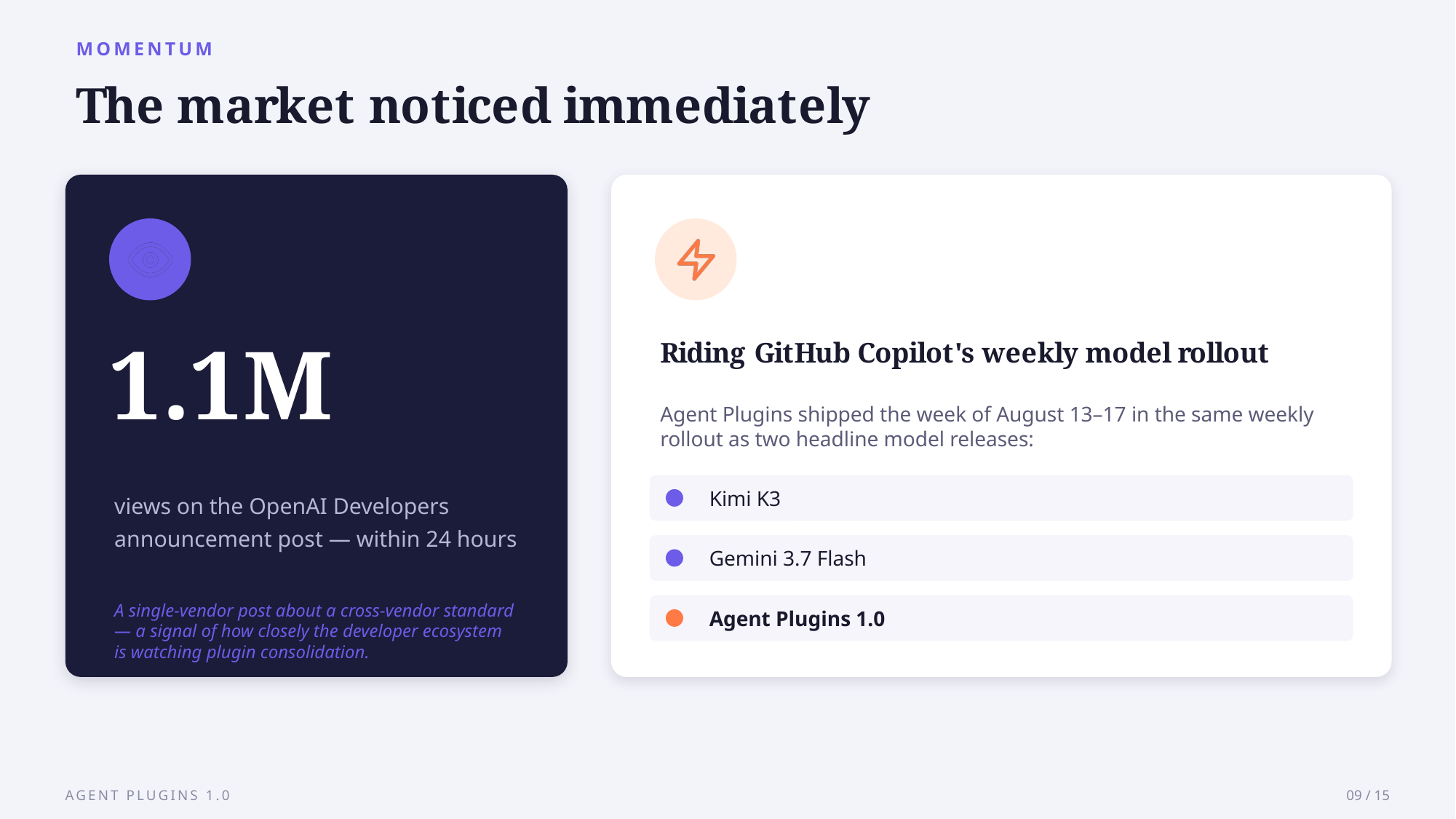
Support already spans most major assistants. <cite index=“7-1”>The launch client list covered ChatGPT and Codex, Cursor, GitHub Copilot, Kiro, and VS Code</cite>, and by August 12, <cite index=“1-8”>support reached general availability in VS Code, Copilot CLI, the Copilot SDK, and the Copilot app, on all Copilot plans</cite>.
| Client | Status |
|---|---|
| VS Code, Copilot CLI, Copilot app, Copilot SDK | General availability, Aug 12 |
| ChatGPT, Codex, Cursor, Kiro | Launch client, Aug 6 |
| Claude Code | Installed via CLI translation, not native |
| Google Agents CLI, Data Agent Kit | Supported day one |
Google moved fast for a company outside the original working group. <cite index=“7-1”>Google says it has already wired support into its Agents CLI and Data Agent Kit</cite>.
How Should Engineering Teams Adopt and Govern Plugins?
Governance mostly reuses settings Copilot teams already have. <cite index=“1-24,1-25”>Copilot Business and Enterprise customers can use existing enterprise managed settings, where enabledPlugins automatically installs or blocks specific plugins, extraKnownMarketplaces adds marketplaces, and strictKnownMarketplaces restricts installation to managed marketplaces</cite>, and <cite index=“1-27,1-28”>if you already manage these settings, they also apply to Agent Plugins 1.0, with no separate policy required</cite>. Because plugins carry live tool connections, <cite index=“1-29”>pair them with MCP allowlists, which approve or block individual servers by URL, command, or name</cite>.
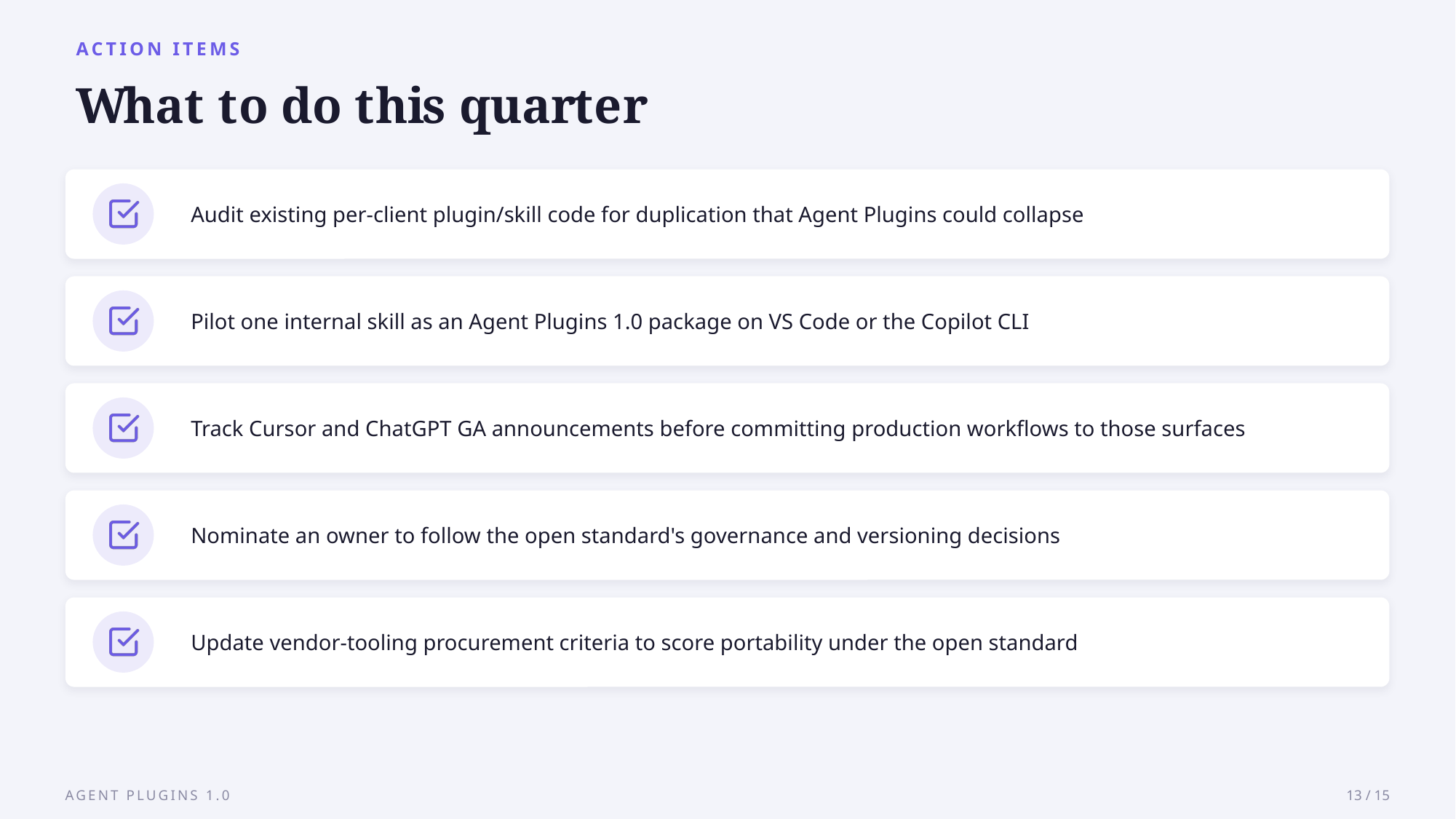
For plugin authors, migration is manifest work: <cite index=“1-16,1-17”>adding $schema to plugin.json and keeping skills under skills/ and MCP configuration in mcp.json</cite>, and <cite index=“1-13,1-14”>existing plugins that don’t target Agent Plugins 1.0 remain supported, with no migration required</cite>.
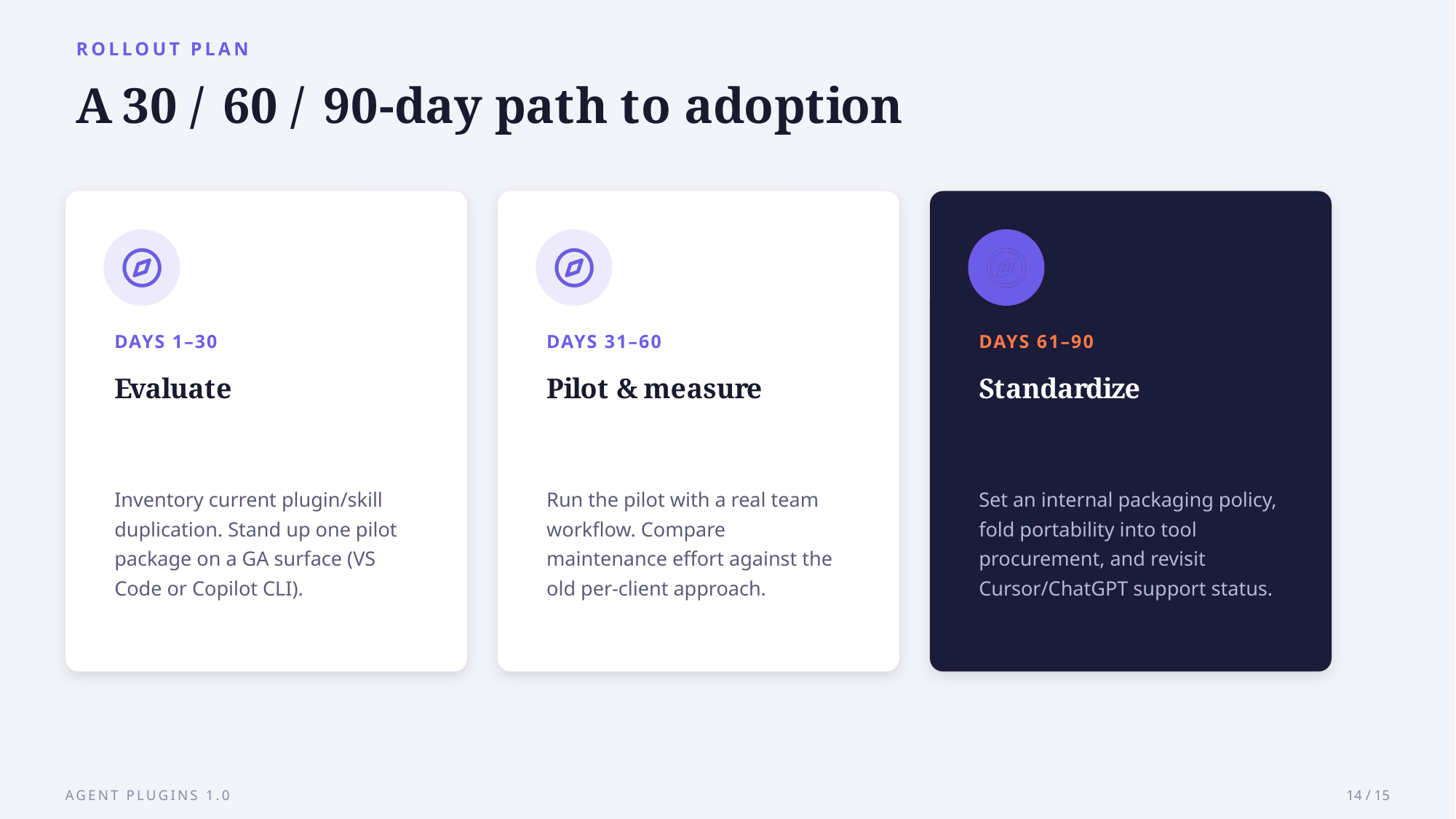
The example deck below covers this rollout in a short walkthrough, built with AskDeck from a brief and free to copy for your own team.
Sources
- Agent Plugins 1.0 in VS Code, Copilot CLI, and the Copilot app (GitHub Blog, 2026)
- Introducing Agent Plugins (Vercel, 2026)
- AWS Supports Agent Plugins (AWS Open Source Blog, 2026)